
Screenshots
App details
- Updated
- Dec 9, 2010
- Language
- English
- Category
- Mobile
SoftPas in:
This product is also available in the following languages:
About Deimos
Download Deimos – Computer Usage Statistics, Typing Habits, Screen Interaction, Performance Metrics, Internet Connection Stats, Hardware Insights, Digital Lifestyle Tracking, Curiosity-Driven Tool
Overview
Deimos is a curiosity-driven application designed to offer users a deeper understanding of their digital behavior on Windows devices. By tracking and analyzing various aspects of computer usage, it transforms routine interactions into insightful data points. The app focuses on metrics such as typing frequency, cursor movement patterns, system performance, internet connectivity, and hardware specifications, providing a holistic view of how users engage with their devices. While not built for productivity optimization in the traditional sense, Deimos serves as a unique tool for self-reflection and digital awareness. It appeals to individuals with an interest in their digital lifestyle, including writers, remote workers, and tech enthusiasts who enjoy exploring the mechanics behind their daily workflows.
The application is particularly useful for those seeking to uncover behavioral patterns—such as which keys are typed most often or which screen regions receive the most attention. These insights, while not directly actionable in a professional context, may spark personal curiosity and encourage mindful computing habits. Deimos operates silently in the background, collecting data without disrupting user experience. Although the developer did not provide additional technical details, the app’s lightweight footprint of 10.2 MB suggests efficient resource management. Released on December 9, 2010, Deimos has maintained relevance as a niche utility in the productivity category, offering a distinctive approach to digital self-audit.
Key Features & Functionality
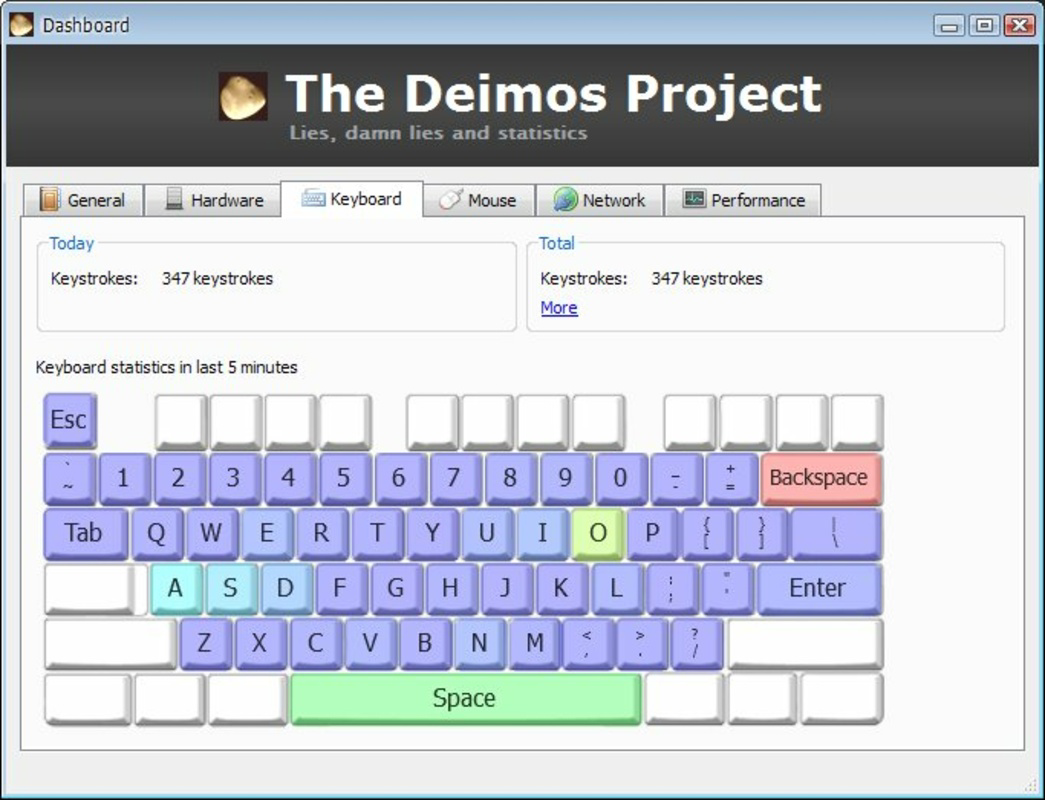
- Typing Statistics: Tracks the frequency of each character typed, offering a breakdown of letter usage over time. This feature allows users to visualize their writing style and identify dominant keys, which may be of interest to writers or linguists.
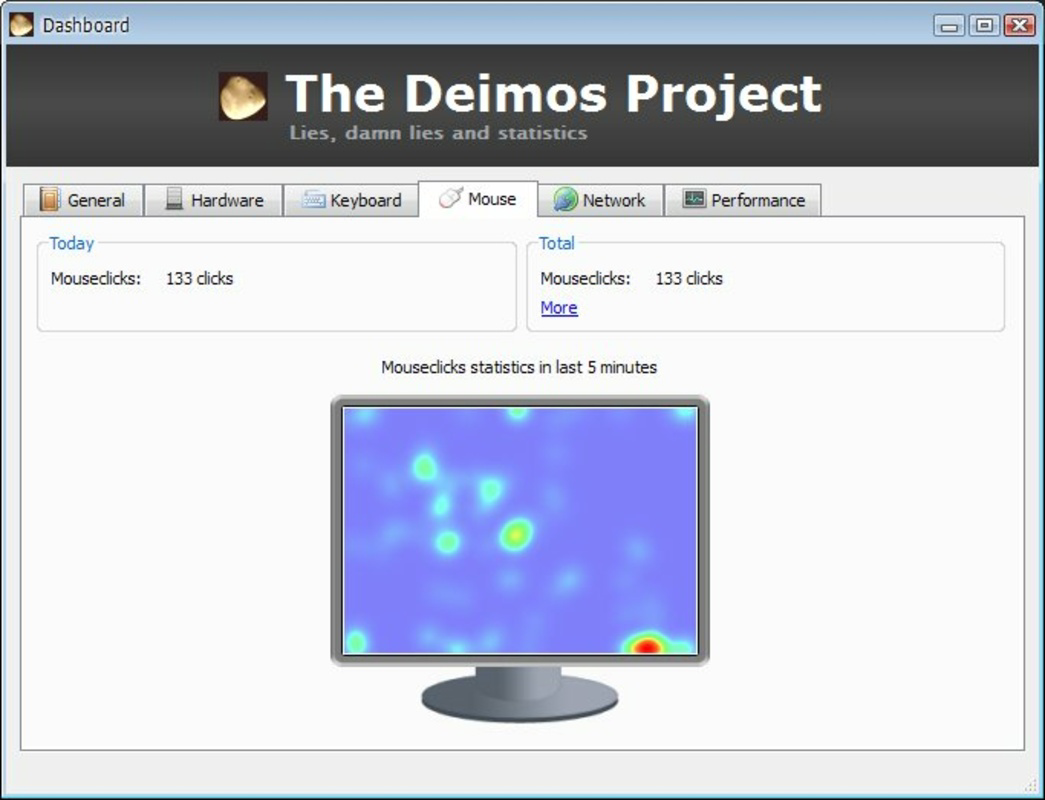
- Cursor Activity Tracking: Monitors the movement and dwell time of the cursor across the screen, highlighting frequently accessed areas. This can reveal user preferences in application navigation and document access.
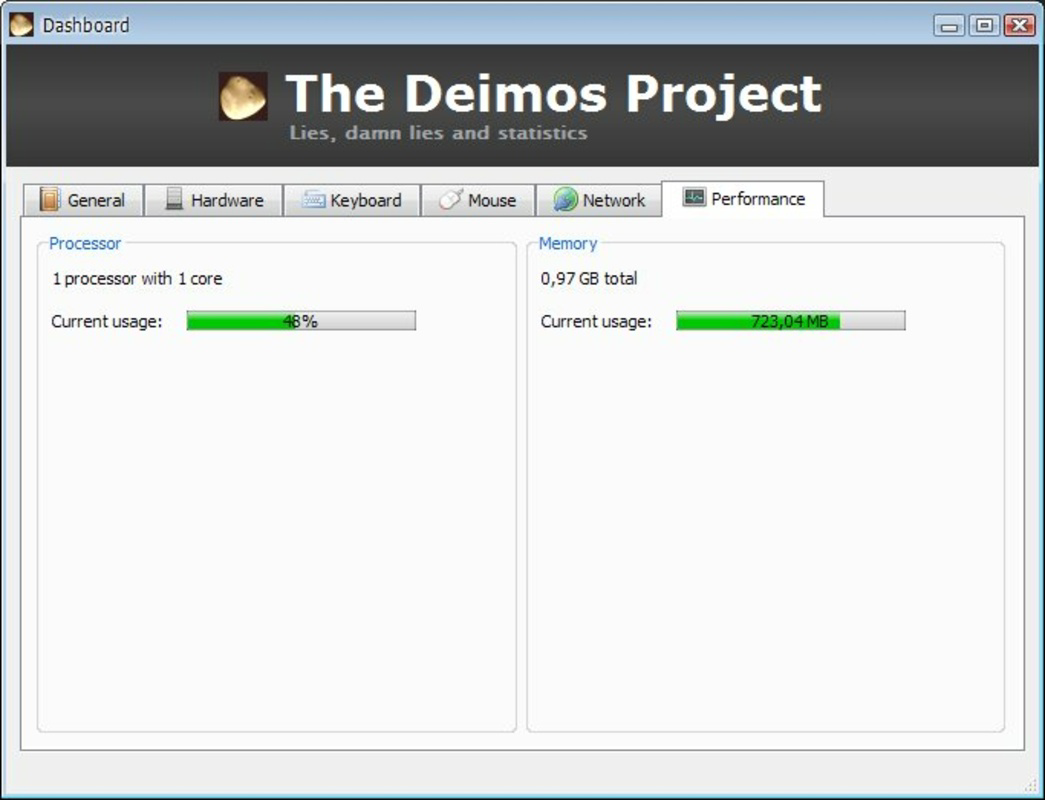
- Performance Metrics: Provides real-time data on system responsiveness, memory usage, and overall speed. These insights help users assess the health of their operating system without requiring technical expertise.
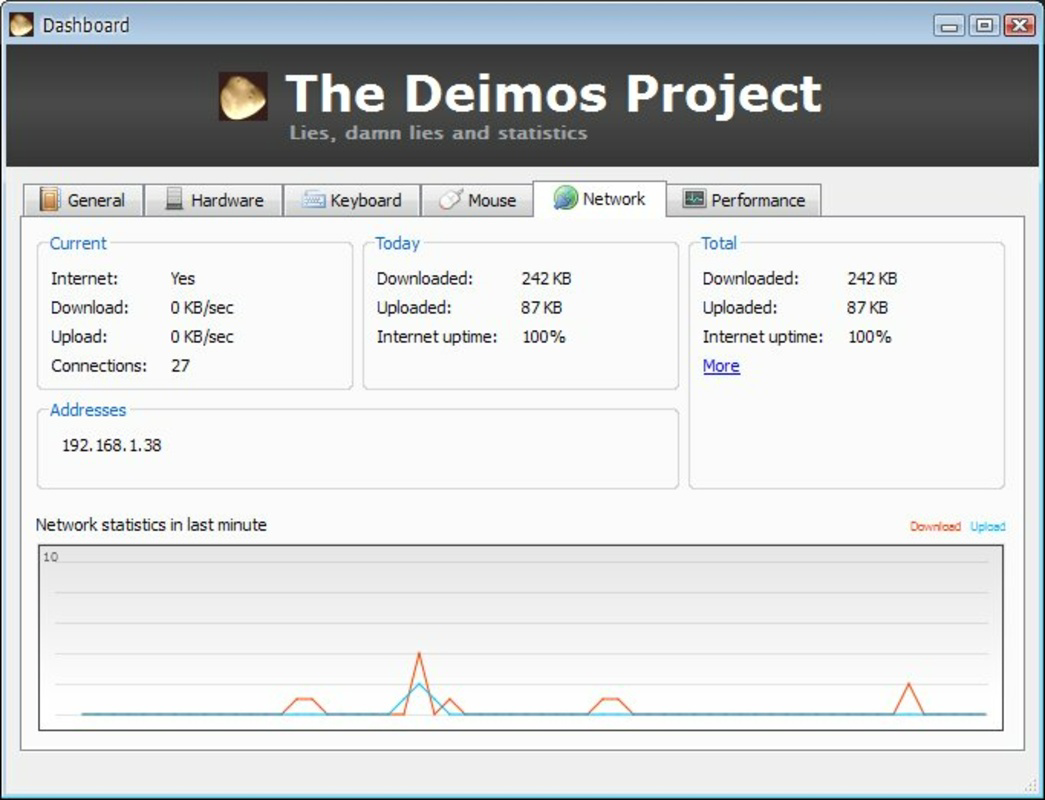
- Internet Connection Stats: Analyzes connection speed and stability, offering a basic diagnostic for online activities such as video conferencing or streaming.
- Hardware Insights: Displays detailed information about installed components, including CPU, RAM, and storage. This feature is ideal for users who want to verify or monitor their device’s specifications.
Each feature contributes to a broader narrative about digital behavior. For example, a user might discover they type the letter 'E' significantly more than others, reflecting natural language patterns. Another might notice their cursor lingers near the taskbar, indicating frequent app switching. These observations, while not prescriptive, encourage users to reflect on their habits. The app does not offer export or sharing options, suggesting its primary purpose is personal insight rather than data collaboration.
Interface, UX & Performance
Deimos presents a minimalistic interface focused on clarity and data visualization. The design emphasizes readability, using clean charts and graphs to display statistics without overwhelming the user. Navigation is straightforward, with a central dashboard that organizes data by category—typing, cursor, performance, internet, and hardware. Users can toggle between time-based views (daily, weekly, monthly) to observe trends. Although the developer did not list formal performance metrics, the app’s 10.2 MB size indicates a lightweight footprint, likely minimizing impact on system resources.
Responsiveness appears consistent across device categories, though specific testing details were not disclosed. The app runs in the background with minimal CPU and memory usage, making it suitable for long-term monitoring. Stability is implied by its long-standing presence since 2010, though no official update history was provided. The user experience is optimized for simplicity, catering to non-technical users who wish to explore their digital habits without complexity. No crashes or lag reports were noted in the available information, suggesting reliable operation under standard conditions.
Platform Compatibility & Technical Requirements
Deimos is designed exclusively for the Windows platform, with no information provided on specific OS versions or compatibility tiers. The app’s file size is 10.2 MB, which aligns with its lightweight nature and suggests it does not require high-end hardware. The developer did not specify minimum OS requirements, nor were there details on installation prerequisites or supported architectures. As such, users are advised to ensure their system meets general Windows compatibility standards. The application is available at no cost, making it accessible to a broad audience.
Given the release date of December 9, 2010, and the absence of recent updates, users should exercise caution regarding long-term compatibility with modern Windows versions. However, the app’s continued availability suggests it remains functional on current systems. The developer did not disclose whether future updates are planned or if the app is actively maintained.
Pros and Cons
Pros
- Free to download and use, eliminating cost barriers.
- Lightweight design with a small file size of 10.2 MB.
- Offers unique insights into typing habits and screen interaction.
- Provides basic diagnostics for system performance and internet connection.
- Displays detailed hardware information for user verification.
Cons
- Release date is over a decade old; long-term compatibility with modern systems is uncertain.
- No information on minimum OS requirements or supported Windows versions.
- Limited to Windows; no availability on other platforms.
- Developer did not provide update history or future maintenance plans.
- No export or sharing features for collected data.
FAQ
Is Deimos safe to install on my Windows device?
Yes, the app is free and available without known malware. However, users should ensure they download it from trusted sources, as no official distribution channel was specified.
Can I use Deimos on Windows 11 or Windows 10?
The developer did not specify compatibility with modern Windows versions. While it may function on current systems, no official support or testing details were provided.
Does Deimos collect personal data?
Deimos tracks usage patterns and system metrics. The data remains local to the device unless otherwise stated. No cloud sync or data sharing was mentioned.
Is Deimos updated regularly?
There is no public information on update frequency. The app was released in 2010, and no recent updates were documented.
Can I export the statistics collected by Deimos?
The developer did not provide export or sharing features. All data is displayed within the app and not available for external use.
Final Thoughts
Deimos stands out as a rare tool that blends curiosity with utility. While not a traditional productivity app, it offers a novel way to reflect on digital habits through detailed tracking of typing, screen activity, system performance, and hardware. Its lightweight design and free access make it an accessible option for users seeking insight into their computer usage. Though its age raises questions about modern compatibility, the app remains a compelling choice for those interested in digital self-audit. Whether you're a writer analyzing your typing style or a tech enthusiast exploring your device’s specs, Deimos delivers value through observation and awareness. For a simple, curiosity-driven tool with lasting appeal, it’s worth trying.
Download Deimos now
Guides & Tutorials
How to install Deimos
- Click the Download button above.
- Once redirected, accept the terms and click Install.
- Wait for the Deimos download to finish on your device.
How to use Deimos
This software is primarily used for its core features described above. Open the app after installation to explore its capabilities.
User Reviews
No reviews yet. Be the first to share your experience.
You may also like
more
Que no te pillen¡
About !Que no te pillen¡Reviewed by Jason A. BilbreyShow MoreShow Less

3D Combat Zone
About 3D Combat ZoneOriginally released in 1983, 3D Combat Zone immerses players...

666: El día del portal
About 666: El día del portalOn June 6, 2006, Agent P. Stone uncovers a sinister...

80 in 1 Best Flash games
About 80 in 1 Best Flash games 80 in 1 Best Flash games is a collection of 80 fl...

ABYSS SEEKERーーWhat Do You See Deep in The Abyss
About ABYSS SEEKERーーWhat Do You See Deep in The AbyssIn ABYSS SEEKER, players...

ACA NEOGEO THE KING OF FIGHTERS 2002 for Windows
About ACA NEOGEO THE KING OF FIGHTERS 2002 for WindowsTHE KING OF FIGHTERS 2002,...